



Tekla Training Institute in Hyderabad – Structural BIM Skills
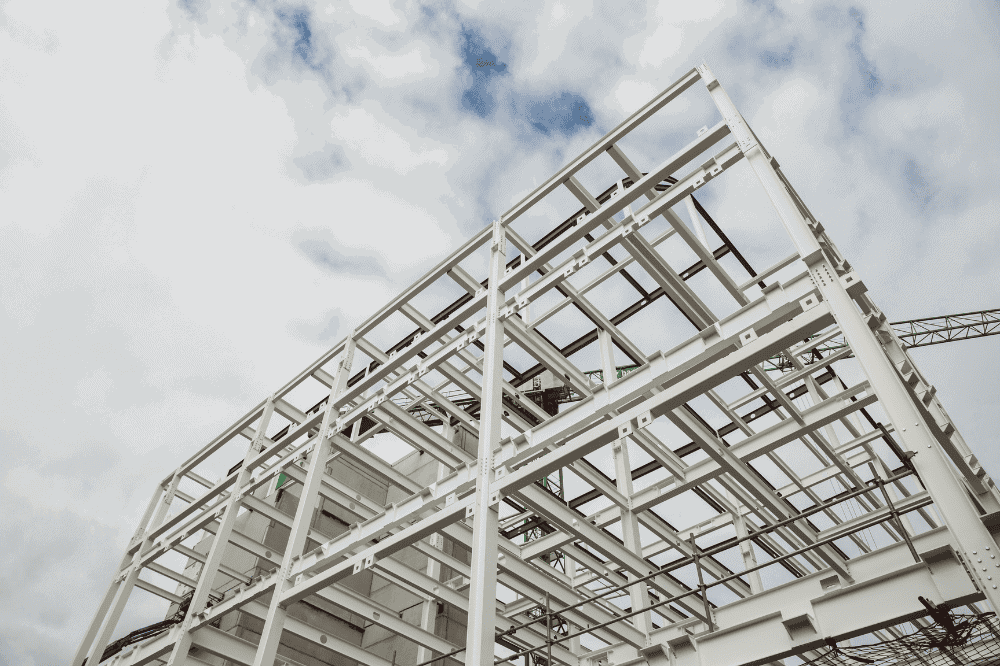
Structural engineering and construction industries are rapidly shifting toward 3D BIM (Building Information Modeling) tools—and Tekla Structures is one of the most in-demand solutions today. If you’re planning to build a career in steel and concrete modeling, or want to upskill as a structural engineer, join our CAD Center Hyderabad could be your most strategic move.
What is Tekla?
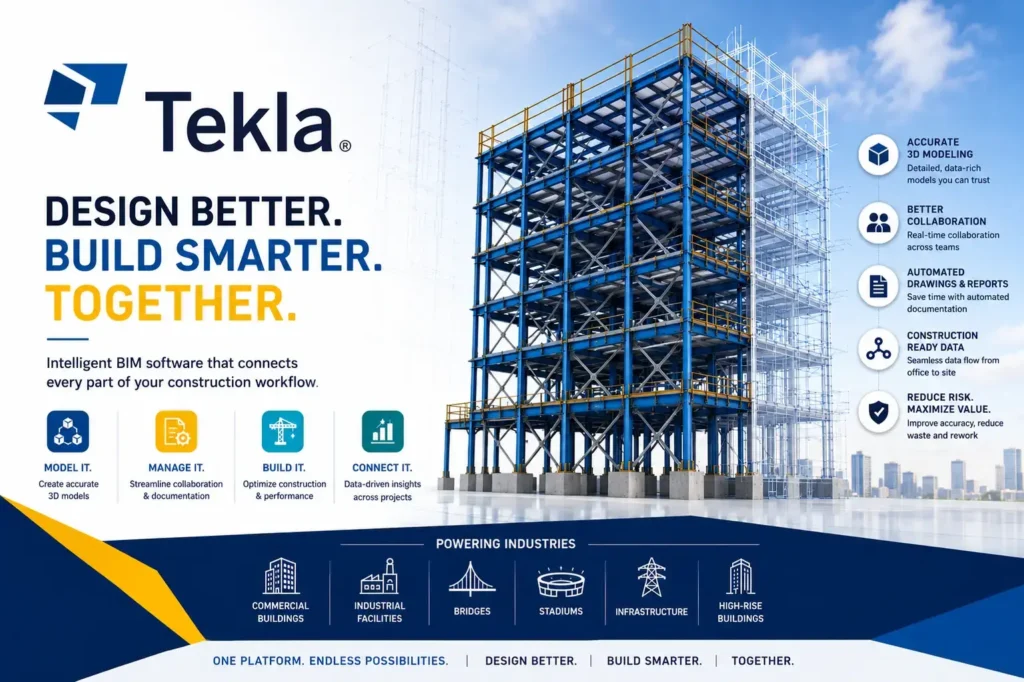
Tekla is a 3D BIM (Building Information Modeling) software used by structural engineers, contractors, and fabricators to design, detail, and manage steel and concrete structures. It allows users to create highly accurate 3D models, generate construction drawings, and coordinate with other teams to avoid clashes and errors on-site. Tekla is widely used in building construction, bridges, industrial structures, and large infrastructure projects, helping professionals plan, communicate, and execute complex structures efficiently.
Why Learn Tekla Structures?
Tekla is a modeling software built specifically for detailing, analyzing, and managing steel and concrete structures in 3D. It offers a clear advantage over traditional 2D CAD methods by improving project visualization, reducing errors, and enabling smoother collaboration with architects and MEP engineers.
A few practical advantages of Tekla:
- Accurate shop and GA drawings.
- Real-time clash detection.
- Structural analysis and constructability check.
- Integration with CNC fabrication tools.
- International project compatibility.
By learning Tekla Structures, you align yourself with the expectations of modern infrastructure and high-rise projects. That’s why many students seek out the best Tekla Course in Hyderabad.
What You’ll Learn in the Tekla Course
Our Tekla course is designed to help you go from basic understanding to hands-on structural modeling in a practical, project-oriented way. You’ll learn:
- Navigating the Tekla user interface.
- Structural member creation (beams, slabs, columns).
- Advanced steel detailing.
- Reinforcement modeling for concrete.
- Generating fabrication and erection drawings.
- Template creation and report generation.
- Clash detection and multi-user collaboration.
- Exporting models for fabrication (NC/DSTV files).
- Custom components and macros.
- Real-time project workflows.
Each module has exercises that simulate real‑world industry conditions. The goal is to make learners project-ready by the end of the course at any Tekla training Institute in Hyderabad.
Who Should Take This Tekla Training?
This course is ideal for:
- Civil and structural engineers.
- BIM engineers and draftsmen.
- Site engineers wanting modeling experience.
- Fresh graduates aiming to enter steel detailing firms.
- Professionals migrating to roles in GCC, Canada, or Europe.
Even if you’re already working in AutoCAD or Revit, adding Tekla to your toolkit can enhance your BIM profile and broaden your employment options. That’s why students search specifically for a Tekla Course Institute in Hyderabad that offers industry-aligned modules.
Tekla Course Structure & Syllabus
The curriculum is often split into four key phases:
Phase 1: Basics & Setup
- Interface navigation.
- Units, grids, and levels.
- Material and profile catalogs.
Phase 2: Structural Modeling
- Steel and concrete elements.
- Trusses, braces, and base plates.
- Cut, weld, and fitting commands.
Phase 3: Detailing & Drafting
- Shop drawing generation.
- GA and anchor bolt plans.
- Title blocks and templates.
Phase 4: Advanced Workflows
- Clash checks and coordination.
- Multi-user project handling.
- NC file output and fabrication readiness.
Real-time assignments accompany every phase. You’ll gain portfolio-ready project files that demonstrate your skills in a real-world Tekla environment—a core goal for any effective Tekla training Institute in Hyderabad.
Learning Outcomes After the Course
After successful completion of the course, you’ll be able to:
- Model complete steel and RCC structures.
- Generate accurate fabrication drawings.
- Create project reports with custom fields.
- Identify and fix clashes in large structures.
- Work confidently on international BIM projects.
In addition, CAD Center institute also prep you for industry certifications or provide mock interviews. Regardless, the core takeaway is that a Tekla training will make you employment-ready.
Job Opportunities After Tekla Training
Tekla professionals are in demand in industries like:
- Steel fabrication & detailing.
- Precast concrete manufacturing.
- BIM outsourcing.
- Infrastructure development.
- Offshore oil & gas platforms.
- Commercial and high-rise building design.
Job titles after training may include:
- Tekla Modeler.
- Steel Detailer.
- BIM Coordinator.
- Structural Draftsman.
- Fabrication Drawing Specialist.
Entry-level salaries in India start around ₹4–5 LPA and can go up to ₹8–12 LPA with experience. In the Gulf or EU, roles can offer ₹2–3 Lakhs per month (tax-free in many countries).
This makes a Tekla training Institute in Hyderabad a gateway to global opportunities in AEC.
Course Format – Online & Offline
CAD Center Hyderabad offers both online and offline options. In-person sessions offer lab access, while live virtual classes allow flexible scheduling. Key features you should look for include:
- Daily practice sessions.
- Assignments with feedback.
- Peer group discussions.
- Mock interviews and resume review.
- Project submission and evaluation.
Whether online or offline, choose a Tekla training Institute in Hyderabad that emphasizes practical work over theory.
How to Get Started
If you’re ready to take the next step in your BIM career, choose an institute with good lab support, real-time projects, and a focus on structural workflows — that’s exactly what we offer at CAD Center Hyderabad.
Before enrolling:
- Ask for a demo class.
- Check for project-based training.
- Compare course content and syllabus.
- Ensure placement or certification support.
Start now, and open doors to one of the most specialized and rewarding careers in civil and structural engineering
Conclusion
Choosing the right Tekla Course in Hyderabad can transform your understanding of structural engineering and elevate your career. Tekla Structures is not just another software—it’s an industry-standard tool that empowers engineers to model, detail, and coordinate complex steel and concrete structures with precision. This course gives you the technical edge to work on real projects, understand global construction standards, and improve coordination across BIM platforms.
Whether you’re a student or a working professional, investing in Tekla training is a smart, future-focused step toward becoming a valuable asset in the modern construction industry.
Frequently Asked Questions
A: Tekla is used for steel and concrete structure detailing, letting engineers create highly accurate 3D models and generate the fabrication drawings that construction teams rely on.
A: Yes — a basic understanding of steel structures helps, but the learning curve is manageable, and hands-on practice throughout the course builds your speed and confidence quickly.
A: Tekla is stronger in steel and precast detailing and fabrication accuracy, while Revit focuses more on overall multi-discipline BIM coordination. Many structural professionals learn both.
A: Yes — you’ll work on detailed shop and fabrication drawings, including bolts and connections, following real industry standards.
A: Yes — even experienced engineers use Tekla to improve detailing accuracy and productivity, opening the door to higher-end, more complex projects.
A: Yes — you’ll practice on industrial and commercial steel projects with a strong hands-on modeling focus, so you’re genuinely job-ready by the end of the course.
A: Common roles include Tekla Modeler and Steel Detailer, with strong demand from fabrication companies both in India and internationally.
A: Yes — Tekla professionals are highly valued in the Gulf, especially on steel-intensive projects, and the skill set travels well internationally.
A: Yes — accurate 3D models significantly reduce on-site errors and make coordination between teams much smoother.
A: The course runs for 45 days, 3 hours/day, with hands-on practice built into every phase to reinforce what you learn.
A: Course fees vary depending on batch and mode (online/offline). Contact us for exact pricing for your preferred schedule.