
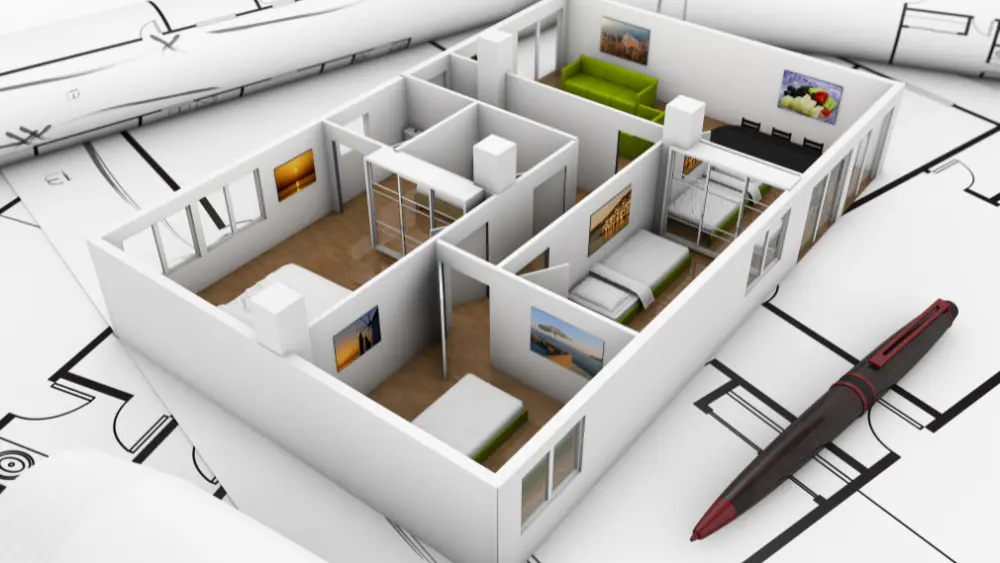



Best Photoshop Training Institute in Hyderabad for interior designers
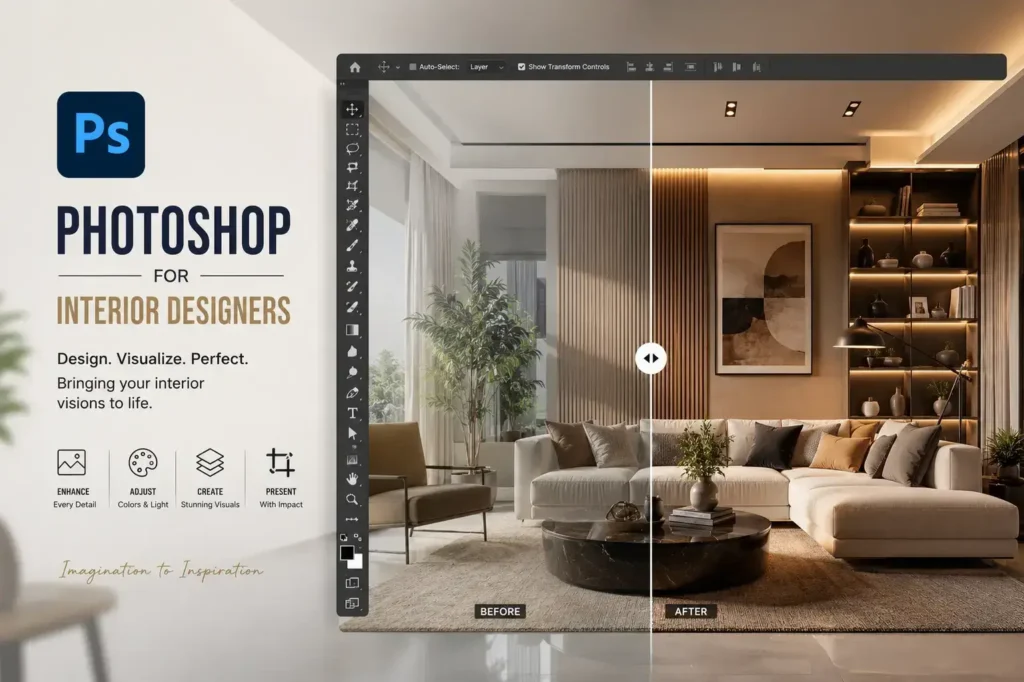
CAD Center Hyderabad is recognized as the best Photoshop Training Institute in Hyderabad for interior designers and visualization professionals. If your goal is more than basic photo editing, this course provides structured guidance, real-world workflows, and professional techniques used in interior visualization, architectural design, and 3D rendering production.
Our Photoshop course is designed specifically for interior designers, 3D artists, and visualization specialists who want hands-on exposure to post-processing, render enhancement, and realistic interior image creation. From fundamental raster editing to high-end visualization workflows, our training aligns with industry expectations for quality and precision.
Within a few weeks, learners gain confidence in handling complex render passes, adjusting lighting, preserving textures, and producing visually accurate interior visuals for presentations, portfolios, and client deliverables. This focus makes our course stand out as the best Photoshop Training Institute in Hyderabad for interior design professionals.
What Our Photoshop Course Delivers for Interior Designers
Our course emphasizes realistic interior visualization and professional post-production, not just basic image enhancement. Every module is structured around workflows used in interior architecture studios, visualization agencies, and 3D rendering pipelines.
Students work with high-resolution render passes, layered compositions, and non-destructive editing techniques that replicate professional studio standards. Every concept learned is immediately applicable to interior design visualization projects.
Core Photoshop Foundations for Interior Visualization
We begin by establishing a solid understanding of raster images, pixel-level control, and color fidelity, which are critical for accurate render output.
Key topics include:
- Resolution management and scaling for client presentations
- Bit depth control for realistic lighting and shadows
- Color models (RGB, CMYK, LAB) for consistent rendering
- Pixel interpolation and image optimization for architectural visuals
These foundations ensure smooth, high-quality interior renders from day one of the course.
Advanced Layer Management and Non-Destructive Editing
Professional interior visualizations require efficient layer organization. Our course teaches:
- Smart Objects and reusable assets for repeated furniture or décor elements
- Adjustment stacks for easy lighting and color changes
- Linked layers and parametric edits for flexible project revisions
These techniques save time while maintaining accuracy and flexibility in high-volume visualization projects.
Realistic Interior Render Enhancement
High-end interior visualization demands subtlety and realism. Our training focuses on:
- Enhancing render passes with lighting, shadows, and reflections
- Preserving textures for wood, fabric, metal, and other materials
- Correcting exposure, contrast, and color balance for photorealistic results
This professional approach ensures outputs are portfolio-ready and client-ready.
Precision Color Correction and Grading
Accurate color is critical in interior design to reflect materials and finishes. Students learn:
- Curves, selective color, and gradient maps for realistic lighting
- Soft proofing for print or client presentation boards
- Tone adjustments to match real-world interior lighting scenarios
Advanced Compositing for Interior Visualization
Photoshop enables professional interior composites. Our course covers:
- Merging multiple 3D render passes seamlessly
- Matching perspective, lighting, and shadows across objects
- Adding human elements, décor, and context without losing realism
This workflow mirrors real interior visualization production pipelines.
Selections, Masking, and Edge Refinement
Accurate selections are vital for:
- Isolating furniture, windows, and decorative objects
- Applying lighting or texture adjustments selectively
- Using channels, masks, and AI-assisted tools for clean edges
Mastering these techniques allows designers to elevate visual quality efficiently.
Interior Visualization Output for Clients and Marketing
Our training prepares students to:
- Export high-resolution images for presentations, portfolios, and websites
- Optimize render output for different media (print, social media, client boards)
- Maintain visual consistency across multiple formats
This ensures every interior design project looks professional and polished.
Integration with 3D Software Pipelines
Photoshop complements 3D software like 3ds Max, SketchUp, and Blender:
- Texture refinement and enhancement
- Render pass compositing (diffuse, reflection, shadow, and AO passes)
- Environment and lighting enhancements
For interior designers already working with 3D modeling, this knowledge is a major professional advantage.
Efficiency, Automation, and Professional File Management
Professional interior visualization studios value speed and organization. Our course teaches:
- Smart Object reuse, batch processing, and actions
- Structured PSD management and naming conventions
- Workflow discipline for collaborative studio environments
Real-World Workflow Simulation
Students experience end-to-end visualization workflows similar to professional studios:
- Client revisions and version control
- Deadline-driven project execution
- Preparing images for marketing, client presentations, and digital platforms
This prepares interior designers for real industry expectations.
Who This Course Is For
- Interior designers, visualization artists, and 3D professionals
- Architects seeking advanced post-processing skills
- Professionals integrating Photoshop with 3D software for realistic interior render outputs
Why CAD Center Stands Out
We focus exclusively on Photoshop mastery for interior visualization, not generic image editing. Our structured, workflow-driven approach ensures production-ready results, making us the best Photoshop Training Institute in Hyderabad for interior design professionals.
Build Long-Term Interior Design Expertise
Photoshop remains central to interior visualization workflows. Mastering our techniques ensures:
- Realistic render enhancement
- Efficient project workflows
- Long-term adaptability to evolving visualization trends
Start Your Professional Interior Visualization Journey
Our training offers the depth, structure, and real-world relevance interior designers need. With a strong focus on render enhancement, color accuracy, and production workflows, CAD Center provides the ultimate pathway to professional interior visualization mastery.
Frequently Asked Questions
You will learn professional-level image editing, post-processing, and workflow management techniques that are directly applicable to design and visualization projects.
This course is suitable for beginners, designers, architects, 3D artists, and anyone looking to improve their image editing and visualization capabilities.
No. The course covers foundational concepts and progresses to advanced techniques, ensuring all skill levels can follow.
The course is organized into modules covering fundamentals, advanced workflows, render enhancement, color correction, and project-based exercises for real-world application.
Yes. You’ll practice on real-world files, including renders and interior visuals, to build practical skills and confidence in professional workflows.
Absolutely. The course shows how Photoshop complements 3D software and visualization pipelines for efficient post-processing and compositing.
It equips you with skills needed in design studios, visualization agencies, and freelance projects, improving both workflow efficiency and output quality.
Yes. You receive a certificate upon completion, which demonstrates your proficiency in professional image editing and visualization.
The course runs for 45 days, 3 hours/day, covering fundamentals through to advanced interior visualization workflows.
Yes. Students get access to training materials, exercises, and project files digitally, allowing for flexible learning at their own pace.
The curriculum is updated to reflect the latest tools, workflows, and AI-assisted techniques in image editing and visualization, ensuring relevance in evolving creative industries.
Yes. You’ll explore AI-based optimization methods for faster editing, realistic enhancements, and workflow automation.
Absolutely. The projects you complete can be used to showcase your abilities to clients, employers, or educational institutions.
Yes. The training emphasizes efficiency, accuracy, and real-world workflows, making it ideal for freelancers handling multiple client projects.
By teaching adaptable techniques, AI-assisted workflows, and best practices, it prepares you for emerging trends in visualization, rendering, and post-production.