
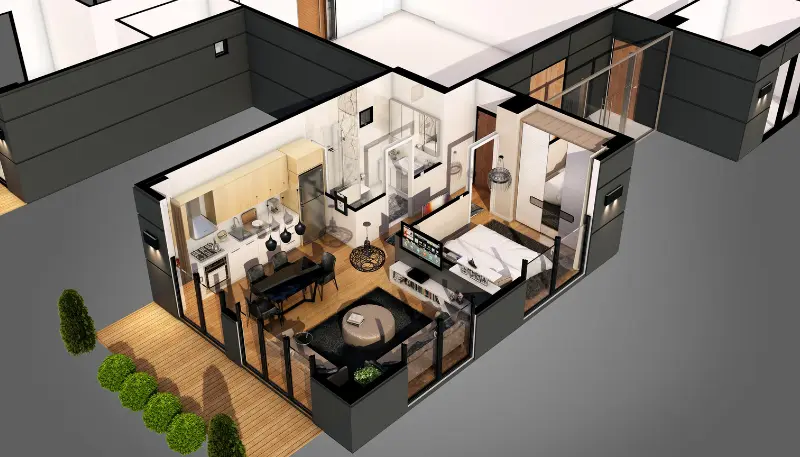



Best 3DS Max Training Institute in Hyderabad
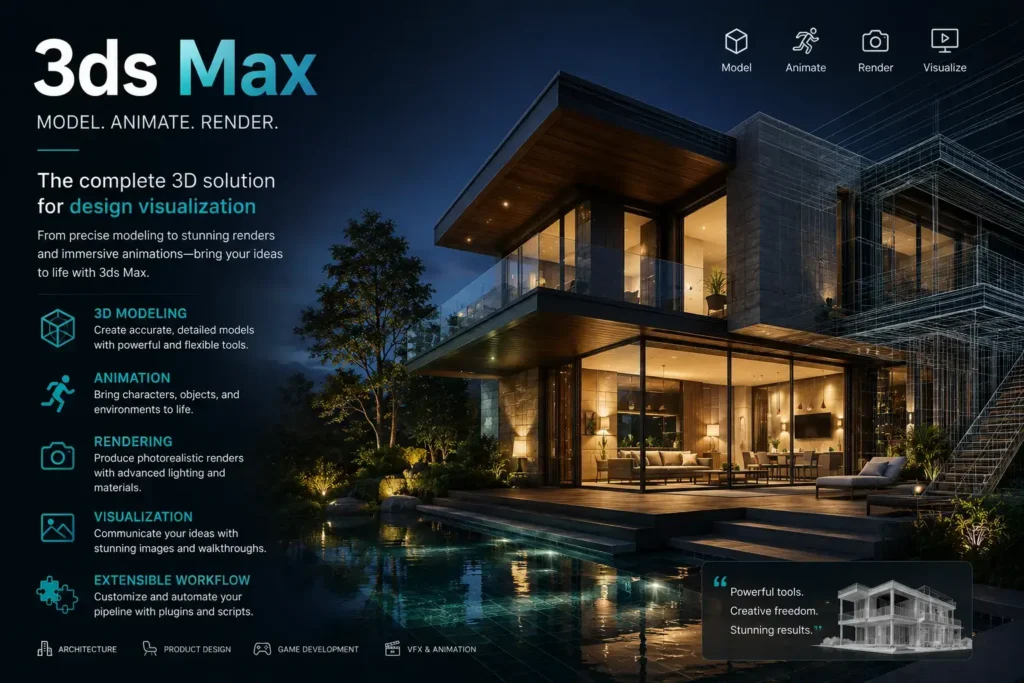
CAD Center is the best 3ds max training institute in Hyderabad means choosing a program that delivers structured lessons, real-world project experience, and hands-on guidance in 3D modeling, animation, rendering, and visualization. With Hyderabad’s growing demand for skilled artists in VFX, architecture, gaming, and product visualization, selecting the right 3ds Max training center can define your career path.
What is 3ds Max and Why is It in Demand?
3ds Max is a professional 3D computer graphics program used for modeling, animation, rendering, and simulation. It enables artists to design detailed 3D assets for film, games, architecture, and product visualization using polygon modeling, procedural tools, animation timelines, and advanced rendering. It’s widely adopted for high‑quality visuals and complex scene construction.
The 3ds max course provides in‑depth instruction across modeling, texturing, lighting, animation, and rendering. It emphasizes hands‑on practice with real projects, industry‑aligned curriculum, mentoring from seasoned 3D artists, and portfolio development that prepares students for jobs in VFX studios, architectural firms, and game design houses.
Who Should Learn 3ds Max Course?
3ds Max isn’t limited to one industry. It’s relevant to several roles, and learners often come from diverse backgrounds:
- Students in architecture, interior design, or multimedia.
- Working professionals in civil, mechanical, or electrical design.
- Career switchers entering creative industries like animation and game design.
- Freelancers looking to offer 3D rendering or visualization services.
If you fall into any of these categories, the Best 3ds max Training Institute In Hyderabad will focus on practical training aligned to your goals—not generic tutorials.
Core Topics Covered in a 3ds Max Course
A structured course should move you from beginner to advanced levels through hands-on modules. While syllabus details vary, Our best institute cover:
3D Modeling Techniques
- Introduction to primitives, splines, and NURBS modeling.
- Editable poly modeling and mesh editing.
- Creating architectural elements and mechanical parts.
Materials and Texturing
- Using the Slate Material Editor.
- UV mapping and unwrapping.
- Working with real-world materials and textures.
Lighting and Camera Setup
- Types of lighting (standard, photometric).
- Daylight systems for architectural visualization.
- Camera animation and walkthroughs.
Animation and Rigging Basics
- Keyframe animation fundamentals.
- Motion paths and controllers.
- Basic character rigging and hierarchy setup.
Rendering and Output
- Rendering engines: Arnold, Mental Ray, and V-Ray.
- Output settings, resolution, and image sequences.
- Project-based rendering practice.
These are essential skills taught at the Best 3dsmax Training institute In Hyderabad, ensuring you graduate with real-world expertise.
Skill Progression Path in 3ds Max Training
Skill Level | Focus Areas | Expected Outcomes |
Beginner | Interface, basic modeling, navigation | Comfort using tools and menus |
Intermediate | Textures, materials, lighting | Photoreal scenes and material control |
Advanced | Animation, dynamics, rendering mastery | Production‑ready visuals |
Portfolio | Project completion, presentation | Curated portfolio pieces |
How Training Improves Your 3ds Max Workflow
Training helps you:
Work faster with shortcuts and efficient practices
Understand why certain tools behave a specific way
Solve common modeling problems without guesswork
Produce visuals consistently at industry quality
Technical mastery is only part of success; efficient, reliable workflows separate beginners from professionals.
Tools You Will Use Alongside 3ds Max
Training often includes real workflows with complementary tools:
Rendering plugins
Texture painting applications
Reference asset libraries
Scene management tools
Knowing how 3ds Max fits into a broader pipeline is essential.
Advanced Techniques You Will Master
Training covers advanced capabilities like:
Procedural Modeling
Using rules and modifiers to generate complex forms.
Particle Effects
Creating motion dynamics and effects.
Rendering Optimization
Balancing quality and render time for production through settings and light management.
Experts teach these techniques as part of real project workflows.
Balancing Creativity with Technical Precision
3ds Max demands both artistic judgment and technical accuracy. Professional training trains your eye for composition, proportion, and visual appeal, not just tool mechanics.
Experienced instructors guide students to:
Choose correct lighting setups
Balance texture details with render performance
Build efficient, clean models ready for production
This duality is often missing from self‑study.
Real‑World Application: Architecture Visualization
Students learn to:
Build accurate scale models from blueprints
Set up cameras for client presentations
Apply realistic glass, wood, and surface materials
Render sequences for walkthroughs and flybys
These tasks reflect real architectural studio workflows.
Real‑World Application: VFX and Animation
Training includes:
Rigging basics for simple animations
Motion timing and easing principles
Rendering passes for compositing
Exporting sequences for post‑production
Understanding pipeline requirements ensures your work fits studio use.
What to Expect During the Training
Effective 3ds Max training is practice-heavy and aligned with real job expectations — you’ll spend more time modeling, texturing, and rendering than watching passive lectures.
- Hands-on exercises with actual project files.
- Mentored sessions with feedback on your designs.
- Access to licensed software and resource materials.
- Assignments that simulate industry workflows.
CAD Center Hyderabad, regarded as a leading destination for advanced Autodesk 3ds max software, is dedicated to helping learners craft a compelling, professionally curated portfolio—an essential asset for impressing potential employers and clients.
Course Duration and Learning Options
Course duration typically ranges from 1.5 to 3 months depending on your learning speed and background. Modes of delivery include:
- Classroom training for structured, peer-learning environments.
- Online training with live or self-paced options.
- Weekend batches for working professionals.
Choose the format that suits your schedule, but ensure that the institute offers sufficient practical lab hours.
Certification and Its Importance
While certification alone doesn’t guarantee a job, it enhances your credibility and supports your resume. After course completion, most students receive:
- Course completion certificate.
- Portfolio or project showcase.
- Guidance on industry certifications like Autodesk Certified Professional (optional).
This hands-on approach is standard across our 3ds Max training, regardless of which batch or schedule you choose.
Career Opportunities After Learning 3ds Max
Once trained, you can apply for various roles depending on your specialization:
- 3D Visualizer – Architectural and interior design firms.
- 3D Modeler – Gaming and animation studios.
- Multimedia Designer – Advertising and branding agencies.
- Animator or VFX Artist – Film and television production houses.
- Freelance 3D Artist – Independent work or remote contracts.
Institutes that genuinely rank among the best for 3ds Max students also offer strong career services — including placement assistance, portfolio reviews, and interview preparation.
Key Skills You’ll Walk Away With
By the end of a good 3ds Max course, you should be able to:
- Create high-quality 3D models from blueprints or concepts.
- Add realistic lighting and textures to enhance visual appeal.
- Animate objects or environments for walkthroughs or simulations.
- Export renderings for use in presentations or project submissions.
These outcomes define the value of enrolling in the Best 3ds max training institute In Hyderabad, especially when your goal is to apply these skills professionally.
Final Thought
Learning 3ds Max is a strategic move if you’re looking to enter creative, architectural, or tech-forward industries. Whether you’re a beginner or want to sharpen existing skills, finding the Best 3ds max Training Institute In Hyderabad can make a significant difference in how job-ready you are after the course.
Prioritize practical learning, experienced instructors, and post-course support—not just certification. Use this guide to evaluate your options and choose a training path that aligns with your long-term career goals.
Frequently Asked Questions
Students in architecture, interior design, or multimedia, working professionals in civil/mechanical/electrical design, career switchers in animation/gaming, and freelancers wanting 3D skills can join.
A: The 3ds Max course duration is 45 days, with hands-on, project-based sessions covering modeling, texturing, lighting, and rendering.
You will learn 3D modeling, materials & texturing, lighting & camera setup, animation & rigging, and rendering with real-world projects.
No prior experience is required. The course starts from basics and progresses to advanced techniques.
Yes. All modules include live projects, practical exercises, and feedback from instructors to ensure real-world application
Yes. Most institutes offer online live sessions, self-paced learning, and weekend batches for working professionals
Yes. On completion, you get a course completion certificate, a portfolio of projects, and guidance for optional Autodesk certification.
It’s used for architectural visualization, game design, product modeling, and film animation. Practical exercises simulate these real-world applications.
Yes. Instructors guide you on software installation, system requirements, and setup, so you can practice from home with licensed software.
Roles include 3D Visualizer, 3D Modeler, Animator, VFX Artist, and freelance 3D designer. Top institutes also provide career guidance and job referrals.
Because the focus is practical, project-based learning, industry-aligned workflows, portfolio creation, and guidance from experienced instructors, not just theory.