
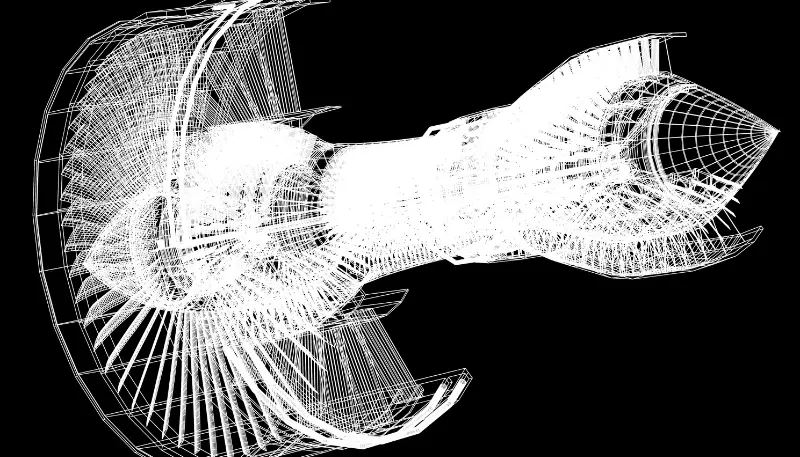



Best Solidworks Course in Hyderabad – Certified Training With Real-World Skills
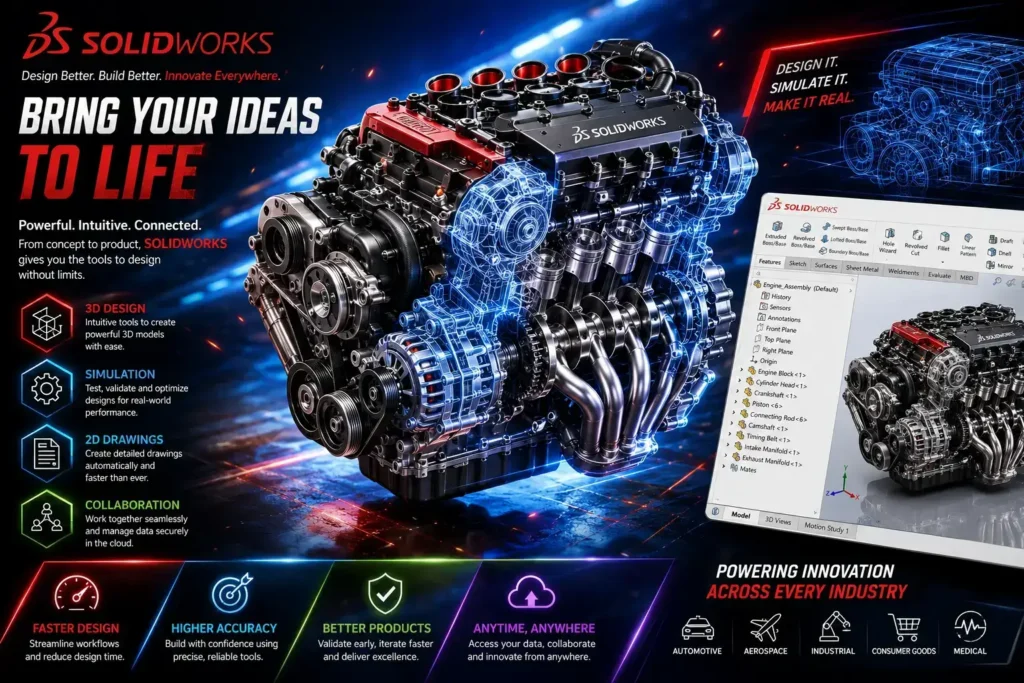
If you’re looking for the best Solidworks course in Hyderabad, CAD Center Hyderabad is the right place. Our guide covers everything you need to know about learning Solidworks in Hyderabad—from course content and industry relevance to career opportunities. Whether you’re a beginner or a mechanical engineering student aiming to upskill, Solidworks training can open doors in design, product development, and manufacturing.
What is SolidWorks?
Solidworks is one of the most powerful 3D CAD (Computer-Aided Design) tools used globally for mechanical design and product modeling. With a growing demand for CAD professionals in India, mastering Solidworks software has become essential. Hyderabad, being a tech and manufacturing hub, offers excellent opportunities for individuals who complete a professional Solidworks training course.
Why Take a Solidworks Course in Hyderabad?
Hyderabad is home to several leading industries in mechanical design, aerospace, robotics, and product manufacturing. These sectors rely heavily on CAD software like Solidworks to design and simulate components. By enrolling in a Solidworks course in Hyderabad, you’re positioning yourself in a city with real job potential.
Moreover, CAD training institutes in Hyderabad offer well-structured Solidworks training courses tailored for students, engineers, and working professionals. Our courses typically include hands-on practice, real-time projects, and certification—making you job-ready upon completion.
What is Covered in a Solidworks Course?
A high-quality Solidworks course covers all essential modules required to become proficient in Solidworks software. Here are some of the key areas of learning:
Introduction to Solidworks
- Interface and tools overview.
- Sketching basics.
- Units and templates.
3D Part Modeling
- Extrude, revolve, loft, and sweep features.
- Solid modeling techniques.
- Parametric design practices.
Assembly Modeling
- Bottom-up and top-down assembly.
- Mating components.
- Design tree management.
Drafting and Detailing
- Creating 2D drawings from 3D models.
- GD&T fundamentals.
- Annotation and BOM (Bill of Materials).
Simulation and Analysis
- Static structural analysis.
- Motion studies.
- Design validation tools.
These topics are covered through a mix of classroom lectures, lab sessions, and project work. By the end of your Solidworks training, you’ll have a portfolio of models and designs that showcase your skills.
Who Should Enroll in a Solidworks Training Course?
The Solidworks course is ideal for:
- Mechanical and production engineering students.
- Working professionals in design and manufacturing.
- CAD drafters and junior designers.
- Entrepreneurs developing physical products.
Even if you’re new to CAD, you can start with beginner-friendly modules and progress to advanced levels. Our institute offers customized Solidworks training programs depending on your background and goals.
Benefits of Learning Solidworks Software
Learning Solidworks software equips you with technical and practical skills that are in high demand across industries. Here are the core benefits:
Industry-Relevant Skillset
Solidworks is widely used in automotive, aerospace, consumer goods, and industrial machinery. Proficiency in it ensures you’re job-ready.
Enhanced Employability
Certified Solidworks professionals earn better salary packages and enjoy faster career growth in design and manufacturing roles.
Improved Design Efficiency
Solidworks enables faster prototyping, fewer design errors, and optimized manufacturing workflows.
Completing a Solidworks training course significantly improves your technical portfolio, giving you an edge in interviews and promotions.
Certification After Solidworks Training
Upon completing a Solidworks Training, you can earn a certification such as:
- Certified Solidworks Associate (CSWA).
- Certified Solidworks Professional (CSWP).
- Advanced certifications in surfacing, simulation, and sheet metal.
These credentials prove your competence and help you stand out in the job market. Many employers prefer candidates who have formal certification from recognized institutes or directly from Dassault Systèmes, the makers of Solidworks software.
Career Opportunities After Completing Solidworks Course
Completing a Solidworks training course can open doors to roles like:
- Mechanical Design Engineer.
- Product Design Engineer.
- CAD Technician.
- Manufacturing Engineer.
- Tool Design Engineer.
Flexible Learning Batches Options: Online & Offline
CAD Center Hyderabad offers both classroom and online training options. You can choose based on your convenience, learning style, and schedule.
- Offline training offers more direct interaction and lab access.
- Online training offers flexibility and can be taken from anywhere, with live sessions and recorded classes.
Many programs also include weekend batches for working professionals. Regardless of format, the best courses ensure you gain strong, practical skills in using Solidworks software.
Tips for Success in Your Solidworks Course
To get the most out of your Solidworks training course, follow these tips:
- Practice daily with assignments and model creation.
- Work on real-world projects to understand design challenges.
- Explore Solidworks community forums and online resources.
- Attempt mock tests for certification preparation.
- Stay updated with the latest features and tools in the software.
Regular practice and continuous learning are key to mastering Solidworks and standing out in the competitive design industry.
Why Enroll in a Solidworks Course in Hyderabad?
If you’re serious about launching or growing your career in mechanical design, enrolling in a Solidworks Training in Hyderabad is a smart move. CAD Center offers excellent training options, strong industrial demand, and experienced mentors who guide you from basics to advanced concepts.
Solidworks software is a powerful tool, and mastering it can significantly boost your employability and technical expertise. So don’t wait—take the first step today by enrolling in a certified Solidworks training course and unlock your full potential in the world of 3D design.
Frequently Asked Questions
SolidWorks is used for mechanical product design.
It creates accurate 3D parts and assemblies.
Manufacturing drawings are generated.
Yes, the software is beginner-friendly.
Concepts are taught step by step.
Practice builds confidence.
Yes, part modeling, assemblies, and drawings are covered.
Complete design workflow is taught.
Industry standards are followed.
Yes, it strengthens mechanical fundamentals.
Design understanding improves.
Job readiness increases.
Yes, industry-based components are practiced.
Hands-on learning is emphasized.
Practical skills improve.
Yes, design-for-manufacturing concepts are introduced.
Production clarity improves.
Industry relevance is high.
Design Engineer and CAD Engineer roles are common.
Manufacturing companies hire SolidWorks professionals.
Career growth is steady.
Yes, many automotive companies use SolidWorks.
OEMs prefer skilled designers.
Demand remains strong.
Basic simulation concepts are covered.
Stress and motion basics are explained.
Advanced analysis depends on specialization.
Yes, product design freelancing is common.
Startups outsource design work.
Income potential is good.
The course runs for 45 days, 3 hours/day, with practice built into every module.
Yes, mechanical design skills are always required.
Advanced tools build on this base.
Career stability is strong.