
Three Powerful CAD Tools, Three Very Different Career Paths
If you’ve narrowed your mechanical design software choices down to CATIA, Creo, or NX CAD, you’re already past the beginner-tool stage — these are the advanced platforms used for serious product design, automotive engineering, and aerospace work. But they serve genuinely different industries and career paths, and choosing the wrong one for your goals can mean months of learning time invested in the wrong direction.
This guide compares all three honestly — where each one dominates, how steep the learning curve actually is, and which one fits your specific career goals — so you can choose a CATIA course, Creo course, or NX CAD course with real confidence instead of a guess.
CATIA vs Creo vs NX CAD
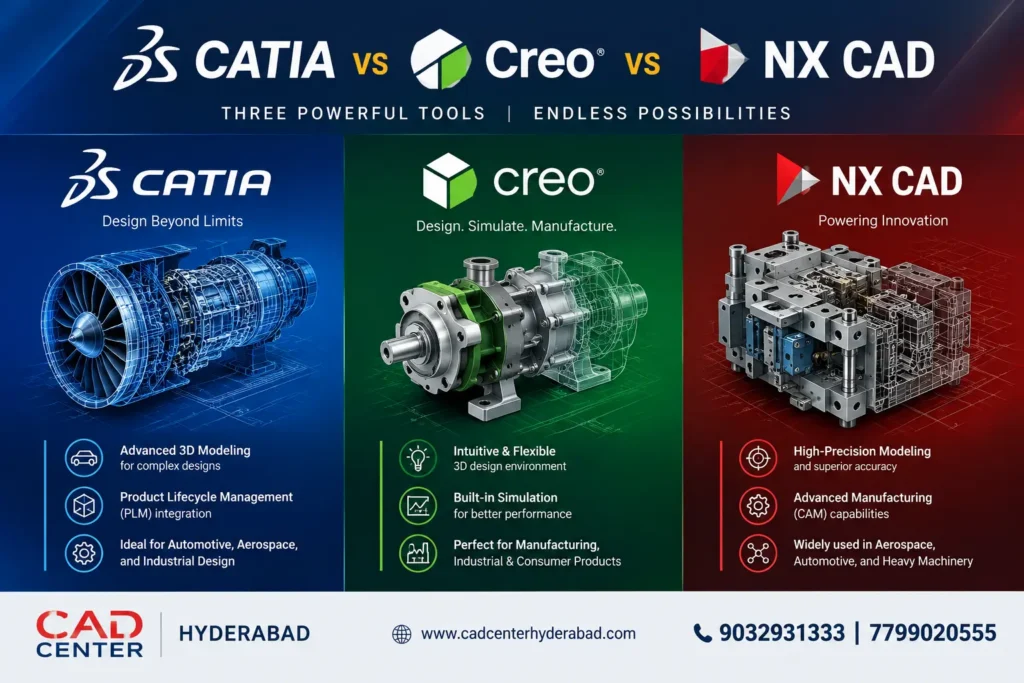
CATIA: Best for Automotive and Aerospace Design
CATIA, developed by Dassault Systèmes, is the industry standard in automotive body design and aerospace, particularly anywhere Class-A surfacing — the smooth, precise exterior surfaces you see on a car body or aircraft fuselage — is critical. Global automotive brands and their Tier 1 suppliers, along with aerospace majors, rely on CATIA for exactly this kind of complex surface work.
Where CATIA excels:
- Automotive body-in-white (BIW) and exterior design
- Aerospace structural and surface design
- Complex surface modeling and Class-A surfacing
- Large OEM and Tier 1 supplier environments
Learning curve: CATIA has a genuinely steep learning curve, especially for advanced surfacing workflows — but that difficulty is also what makes CATIA-trained professionals valuable, since fewer people push through to real proficiency. A structured CATIA course that builds surfacing skills progressively, rather than throwing beginners into advanced tools immediately, makes a real difference here.
Best for you if: you want to work with automotive OEMs, Tier 1 suppliers, or aerospace design firms, and you’re comfortable investing more time upfront for a specialized, high-value skill set.
Creo: Best for Core Mechanical and Manufacturing Design
Creo (from PTC) is known for strong parametric modeling and a more approachable learning curve than CATIA or NX, making it a popular entry point into advanced CAD for mechanical design and manufacturing-focused roles.
Where Creo excels:
- Core mechanical component design
- Casting, forging, and tooling design
- Industrial machinery and equipment
- Manufacturing-driven companies and SMEs
Learning curve: Creo is widely considered the most approachable of the three, with an interface that feels more familiar if you’re coming from tools like SolidWorks. This makes a Creo course a strong choice if you want faster time-to-productivity while still building genuinely advanced parametric modeling skills.
Best for you if: you’re aiming for core mechanical design roles in manufacturing, industrial equipment, or tooling — industries where Creo’s parametric strength and manageable learning curve are a natural fit.
NX CAD: Best for High-End, Global Engineering Projects
Siemens NX sits at the high end of CAD capability, combining advanced modeling with deep integration into simulation (Simcenter) and PLM systems — making it common in large, multinational engineering environments handling complex, multidisciplinary projects.
Where NX excels:
- Advanced automotive (especially powertrain and chassis)
- Aerospace and defense programs
- Integrated CAD-CAE-PLM workflows
- Complex, large-scale assemblies
Learning curve: NX has a steep learning curve, closer to CATIA than Creo, but its training ecosystem is smaller and more specialized — which is exactly why a structured NX CAD course with hands-on guidance matters more here than with more self-taught-friendly tools.
Best for you if: you’re targeting multinational engineering companies, advanced automotive powertrain work, or aerospace/defense programs, and you want the broadest long-term capability across modeling, simulation, and data management.
Quick Comparison Table : CATIA vs Creo vs NX CAD
Factor | CATIA | Creo | NX CAD |
Best Industry Fit | Automotive & Aerospace | Manufacturing & Industrial | High-End Global Engineering |
Learning Curve | Steep | Moderate (easiest of the three) | Steep |
Surface Modeling | Excellent (Class-A) | Good | Advanced |
Simulation Integration | Advanced | Advanced | Advanced (Simcenter) |
Typical Employers | OEMs, Tier 1 suppliers | Manufacturing/industrial firms | MNCs, aerospace/defense |
So, Which One Should You Learn First?
If your target industry is already clear, the choice is straightforward: automotive or aerospace surfacing work points to CATIA, manufacturing and industrial design points to Creo, and multinational or high-end engineering roles point to NX CAD.
If you’re not sure yet, Creo is often the more practical starting point — its gentler learning curve means you build real parametric modeling confidence faster, and those fundamentals transfer well if you later add CATIA or NX CAD training for a more specialized role. Many working mechanical engineers in Hyderabad eventually learn more than one of these tools over their career, since different projects and employers call for different platforms.
Career Demand in Hyderabad
Hyderabad’s growing automotive component, aerospace, and industrial manufacturing sectors mean all three of these tools have real local job demand — from Tier 1 automotive suppliers needing CATIA skills, to industrial equipment manufacturers hiring Creo-trained designers, to multinational engineering centers looking for NX CAD proficiency. Choosing based on your target industry, rather than picking whichever is most talked about, gives you a clearer path to relevant local job openings.
Frequently Asked Questions
A: Yes, generally — CATIA’s advanced surfacing capabilities come with a steeper learning curve than Creo, though NX CAD is similarly demanding. A structured CATIA course that builds skills progressively makes this manageable.
A: Yes, and many mechanical engineers do over their career. Starting with one (often Creo, given its gentler learning curve) and adding a second later based on job requirements is a common, practical path.
A: This depends more on industry and role seniority than the software itself. CATIA and NX CAD roles at large OEMs or multinational firms often command premium pay due to the specialized skill and steeper learning investment involved.
A: A mechanical, automotive, or aerospace engineering background is common and helpful, but structured hands-on training can build genuine proficiency even without prior CAD experience, provided the course covers real project-based practice.
A: It depends on your career goals — CATIA’s surfacing strength is valuable specifically for those industries. If you’re targeting general mechanical or manufacturing roles, a Creo course or SolidWorks course may be a more directly relevant starting point.
A: CAD Center Hyderabad offers hands-on training in all three — CATIA, Creo, and NX CAD — at our Ameerpet campus, with real project-based practice suited to each software’s typical industry use.
A: Course fees vary by software and batch/mode (online/offline). Contact us for exact pricing for your preferred course and schedule.
Choose Your Path — And Start Building Real Skills
Whether your goals point toward CATIA’s automotive and aerospace surfacing work, Creo’s manufacturing-focused parametric design, or NX CAD’s high-end global engineering capability, the right training program makes the difference between knowing the software and being genuinely job-ready.